
Platinum Dialer6.16.0 - Google Play
You'll be able to see results in few seconds.
Publisher Description
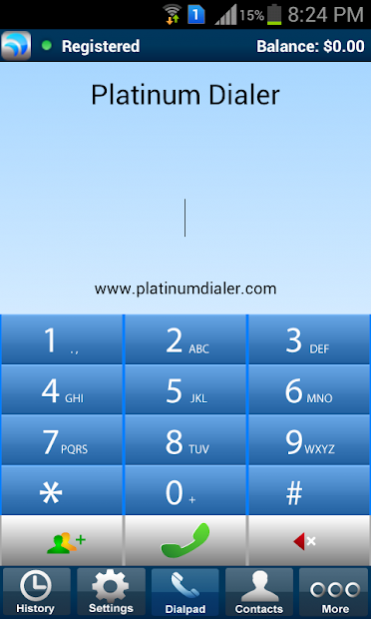
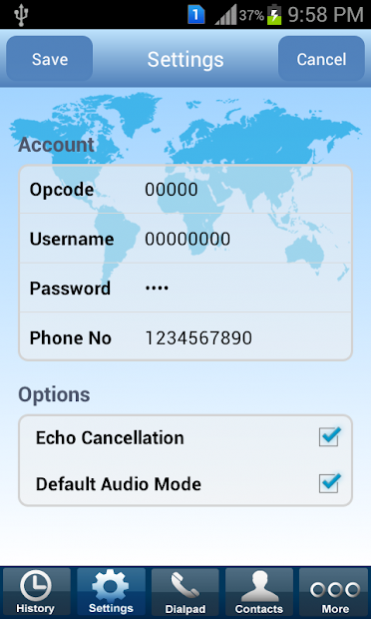
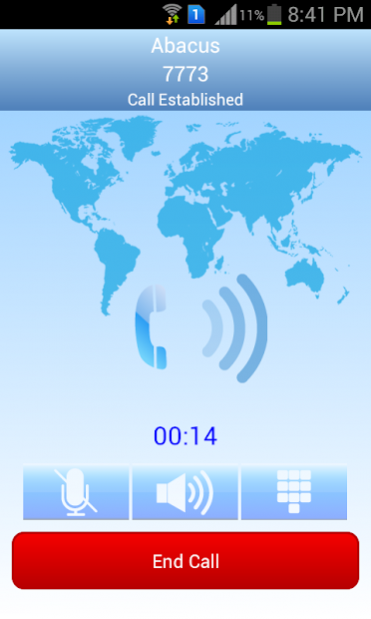
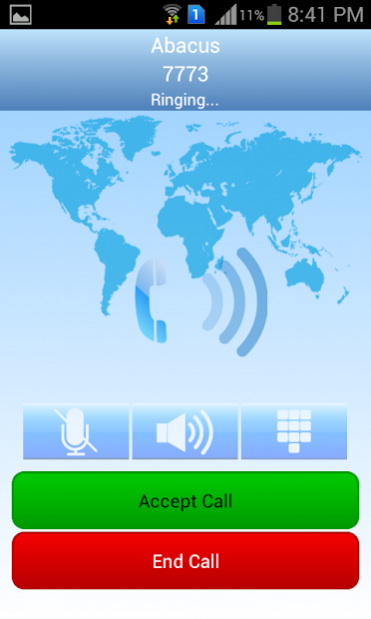
Platinum Dialer is a mobile app for VoIP platform that works as a terminal for making VoIP calls. It utilises SIP protocol and requires data service of GPRS/3G/4G or WiFi network. This application is designed for VoIP service providers and end users. Service providers should provide their soft switch IP and port and they will get an operator code for their service. Customizable branded solution also provided for service providers. End user requires operator code, user name and password provided from service provider.
Features:
1. VoIP incoming and outgoing call via GPRS/3G/4G or WiFi data service
2. Supported codec: G.729, G.711
3. Support full functional SIP to SIP call with local and remote ring back tone
4. Works behind NAT
5. Can bypass any Firewall
6. Low bandwidth consumption by customized byte saver solution
7. Can bypass SIP blockage
8. Smart echo cancellation technique
9. Synchronization with phone contact
10. On screen call time display
11. On screen balance display
12. Call log of incoming and outgoing calls and, can make call from that log
13. DTMF support (RFC 2833, SIP Info)
14. PLC (Packet Loss Concealment) and VAD (Voice Activity Detection) implemented
15. Works with or without byte saver solution
16. Alert system by local Inbox message or pop-up message
17. User panel with login details for service providers. Service providers can see from which country and mobile operator (for GPRS/3G) users are registered
18. Single customizable solution based on different mobile network/data service
About Platinum Dialer
The company that develops Platinum Dialer is X10 TECHNOLOGY PTE. LTD. The latest version released by its developer is 6.16.0.
To install Platinum Dialer on your Android device, just click the green Continue To App button above to start the installation process. The app is listed on our website since 2019-07-30 and was downloaded 0 times. We have already checked if the download link is safe, however for your own protection we recommend that you scan the downloaded app with your antivirus. Your antivirus may detect the Platinum Dialer as malware as malware if the download link to com.cks.dialer is broken.
How to install Platinum Dialer on your Android device:
- Click on the Continue To App button on our website. This will redirect you to Google Play.
- Once the Platinum Dialer is shown in the Google Play listing of your Android device, you can start its download and installation. Tap on the Install button located below the search bar and to the right of the app icon.
- A pop-up window with the permissions required by Platinum Dialer will be shown. Click on Accept to continue the process.
- Platinum Dialer will be downloaded onto your device, displaying a progress. Once the download completes, the installation will start and you'll get a notification after the installation is finished.
Program Details
System requirements
Download information
Pricing
Version History
version 6.16.0
posted on 2019-07-30
version 6.6.0
posted on 2016-12-08
Bug fixes,All network support
version 2.17.0
posted on 2014-10-29
Several fixes and updates
Disclaimer
Official Google Play Link
We do not host Platinum Dialer on our servers. We did not scan it for viruses, adware, spyware or other type of malware. This app is hosted by Google and passed their terms and conditions to be listed there. We recommend caution when installing it.
The Google Play link for Platinum Dialer is provided to you by apps112.com without any warranties, representations or guarantees of any kind, so access it at your own risk.
If you have questions regarding this particular app contact the publisher directly. For questions about the functionalities of apps112.com contact us.
